Turn your dives into videos
Add your dive details, choose the best photos and clips and keep them together in one place.
Photo cards and videos
Made from your own photos and kept in your log.
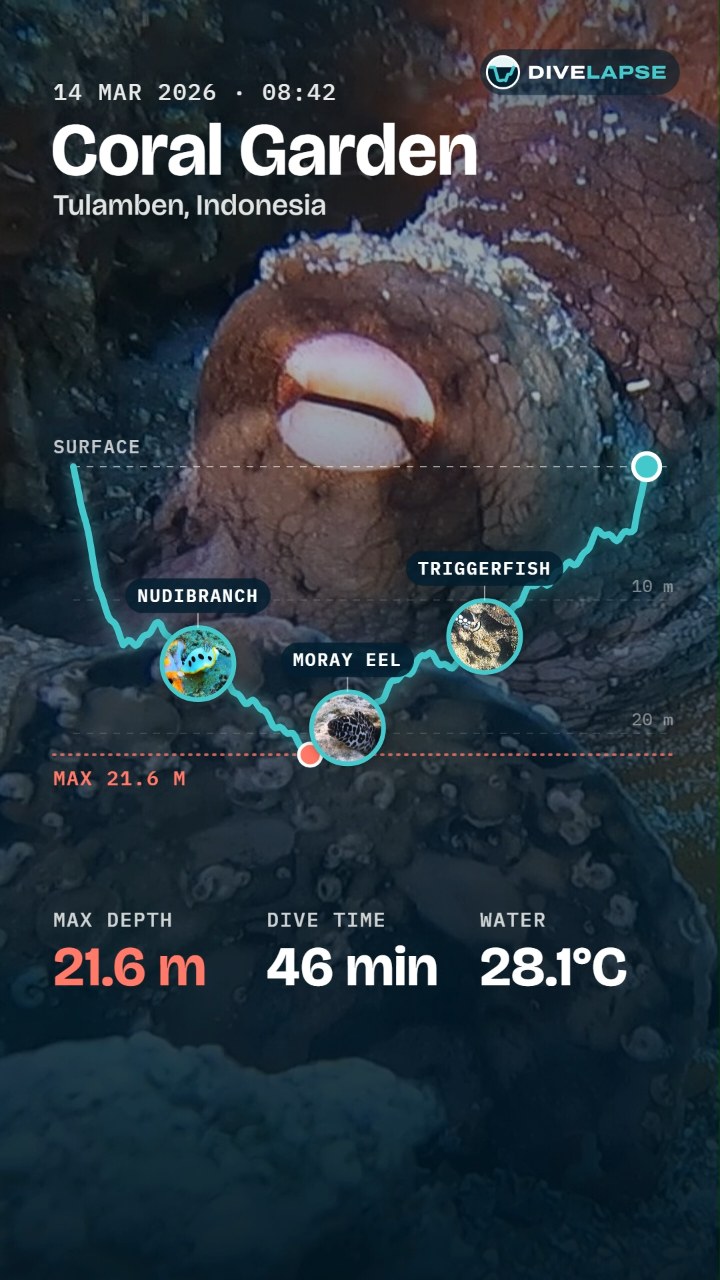
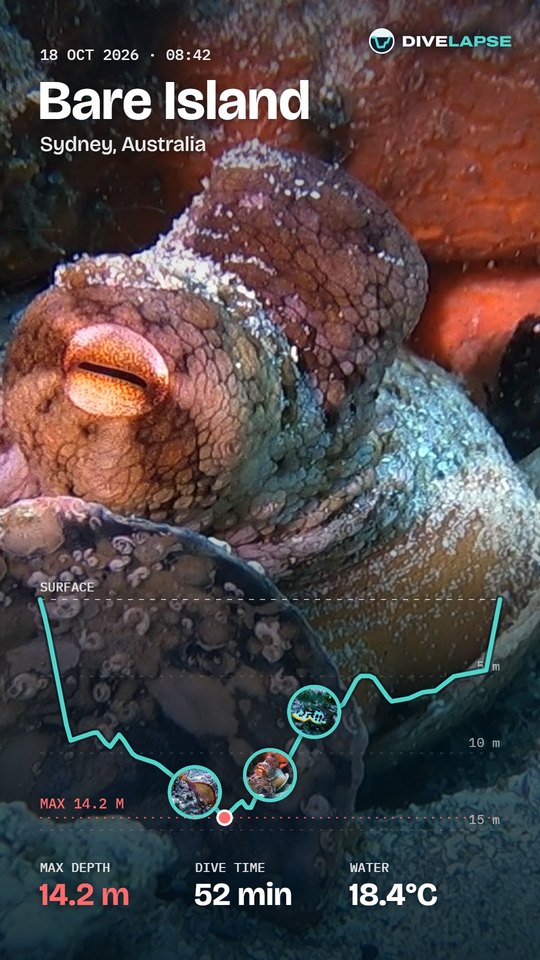
Site, depth, dive time and your best photo on one card.
Your line draws itself and each photo pops up at the minute you took it. Up to 5 photos or clips.
A highlight video of your photos landing one by one.
Back from a trip? Add every dive and get one video of the whole trip, plus a trip card with every dive’s profile on one chart.
Your dive log
Save them with their photos and videos.
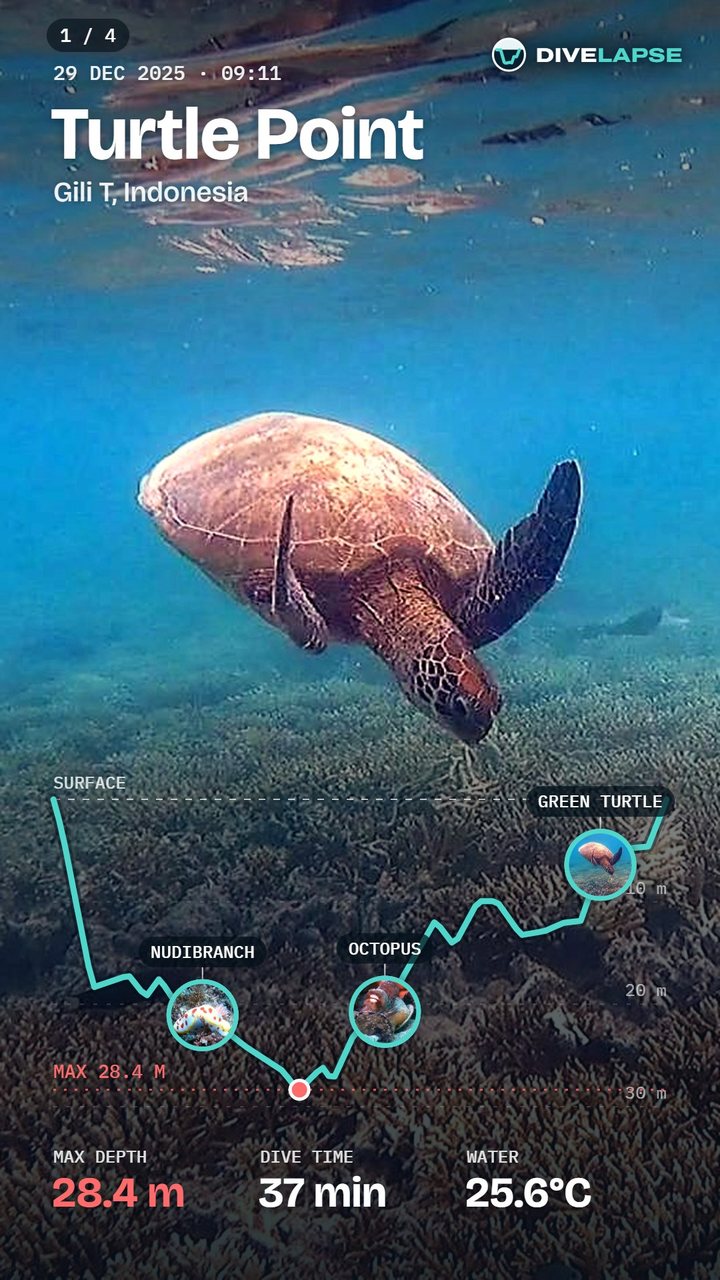



 +3
Media Fix
Fix the colours of your underwater photos or get shots from your videos.
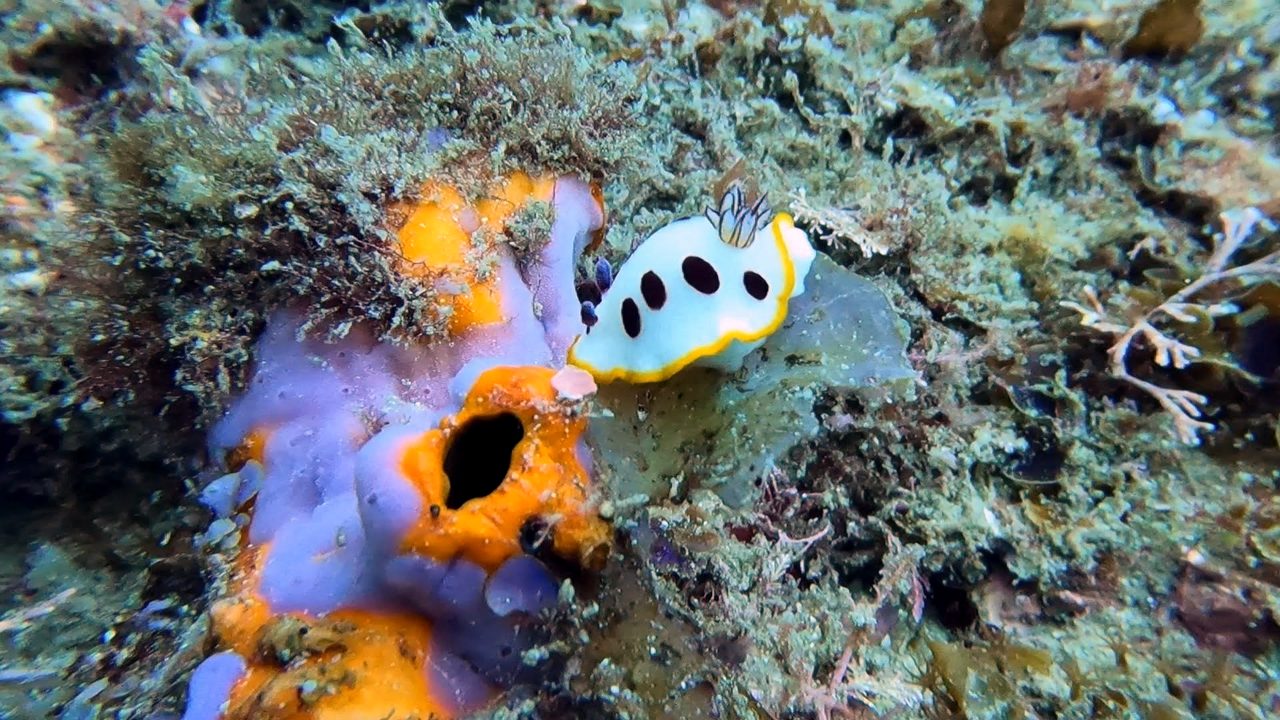
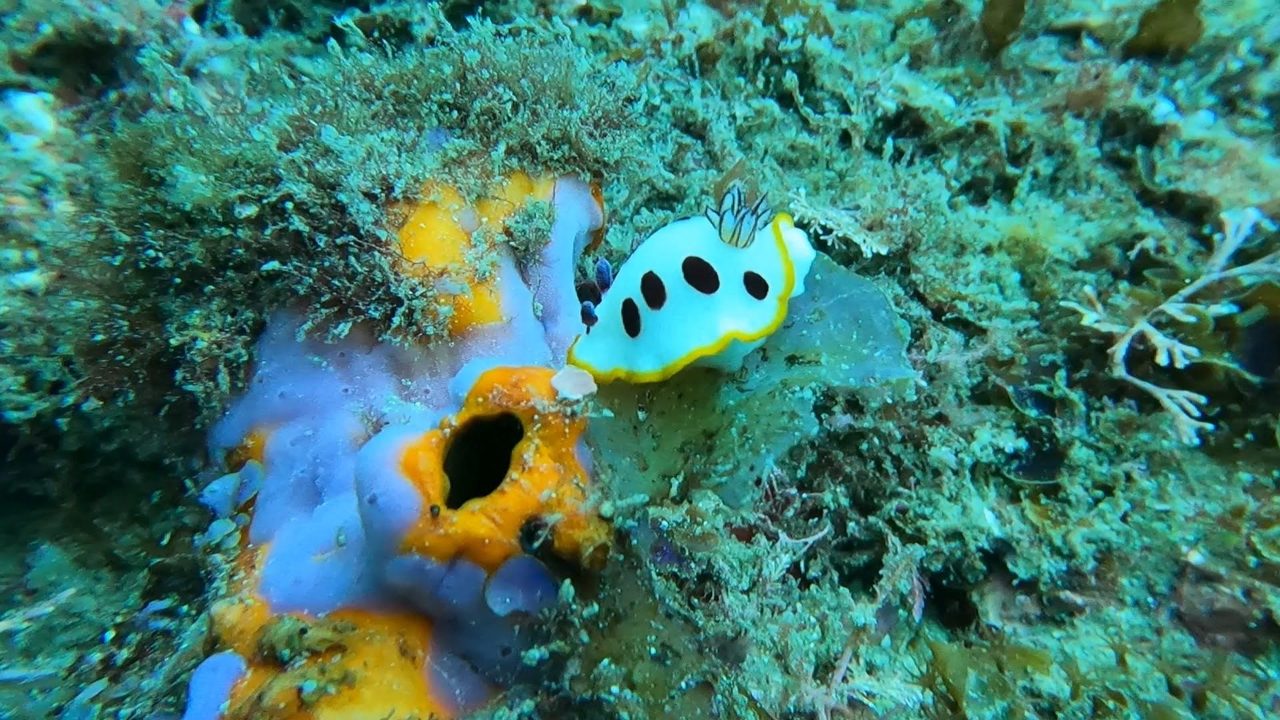 BEFOREAFTER
Unlock your dives
Making it is free. A credit takes the mark off one dive and keeps its videos in your Dive log.
Don’t want to worry about credits?
Log as many dives as you like.
- Unlimited dives
- Keep your photos and videos with each dive (25 GB)
- Photo dumps and story cuts
- Your underwater print
- Photo Fix with no daily limit
FAQ
Making your video
Do I need a dive computer to log dives?
No. You can always type your dive details and pick the profile shape closest to your dive.
A dive computer saves the typing. Connect it over Bluetooth or USB.
Which dive computers and files work?
Most dive computers with Bluetooth, and many with a USB cable on a computer. When you pick Import from dive computer you can see every brand and model.
Connecting a dive computer only works in Chrome or Edge, on a computer or an Android phone. iPhones don’t allow it from a website.
You can also import Subsurface or UDDF files.
How do photos end up at the right minute?
We read the time each photo was taken and match it to your time in. If your camera clock was off, or the photo has no time on it, we can’t match it, so you can always drag it along the line to where it belongs.
Why did my video stop?
We don’t take anything off your phone or computer to make your video, so DiveLapse needs to stay open while it’s made. Keep the screen on, and don’t switch apps or lock your phone until it’s done.
One video takes a minute or two. Several videos at once can take a few minutes.
Does it work on my phone?
Yes, in Safari or Chrome.
Tip: put DiveLapse on your home screen and it opens like an app. On Android, open Chrome’s menu and tap Install app. On iPhone, tap Share in Safari, then Add to Home Screen.
Your photos and Dive log
Do my photos get uploaded anywhere?
Not to make your videos. Your photos and clips stay on your phone or computer, and your videos and cards are made right there, one frame at a time. That’s why a video takes a minute or two.
We store the finished videos and cards of your premium dives, so you can see them in your Dive log any time. Members can also keep their photos and clips with each dive.
Can I change or download my video again later?
Yes, for premium dives. Their videos and cards stay in your Dive log, and you can download them again any time. To change a video, open the dive in the editor. Members get their photos back there too.
Can I change a dive after I’ve used a credit on it?
You can change the look, photos, clips and layout as often as you like. The key details (dive site, country, date, times and max depth) are locked once a credit is spent, so check them before your first download. If you do need to fix one later, it takes another credit to update your Dive log. Members can change them any time.
Prices and credits
What do I get for free?
One dive a day: its video log and photo card. Every dive you log is saved to your account and shows in your Dive log, dashboard included. We don’t keep the video log and photo card of a free dive, only those of premium dives.
A dive credit, or the membership, keeps the dive’s files in your Dive log and adds the carousel, trip video and trip cards.
What do I get with the membership?
Unlimited dives, 25 GB for your photos and clips, photo dumps and story cuts, your underwater print and Photo Fix with no daily limit.
How long do my credits last?
Credits don’t expire, and you choose which dive each one goes to.
Can I get a refund?
Yes, for credits you haven’t used: email hello@divelapse.com within 30 days. If a download didn’t work, we’ll fix it or refund you. The details are in Terms and refunds.